Storage
PSA slab scratches: what causes them and how to prevent them
5 min readUpdated on 2 November 2026
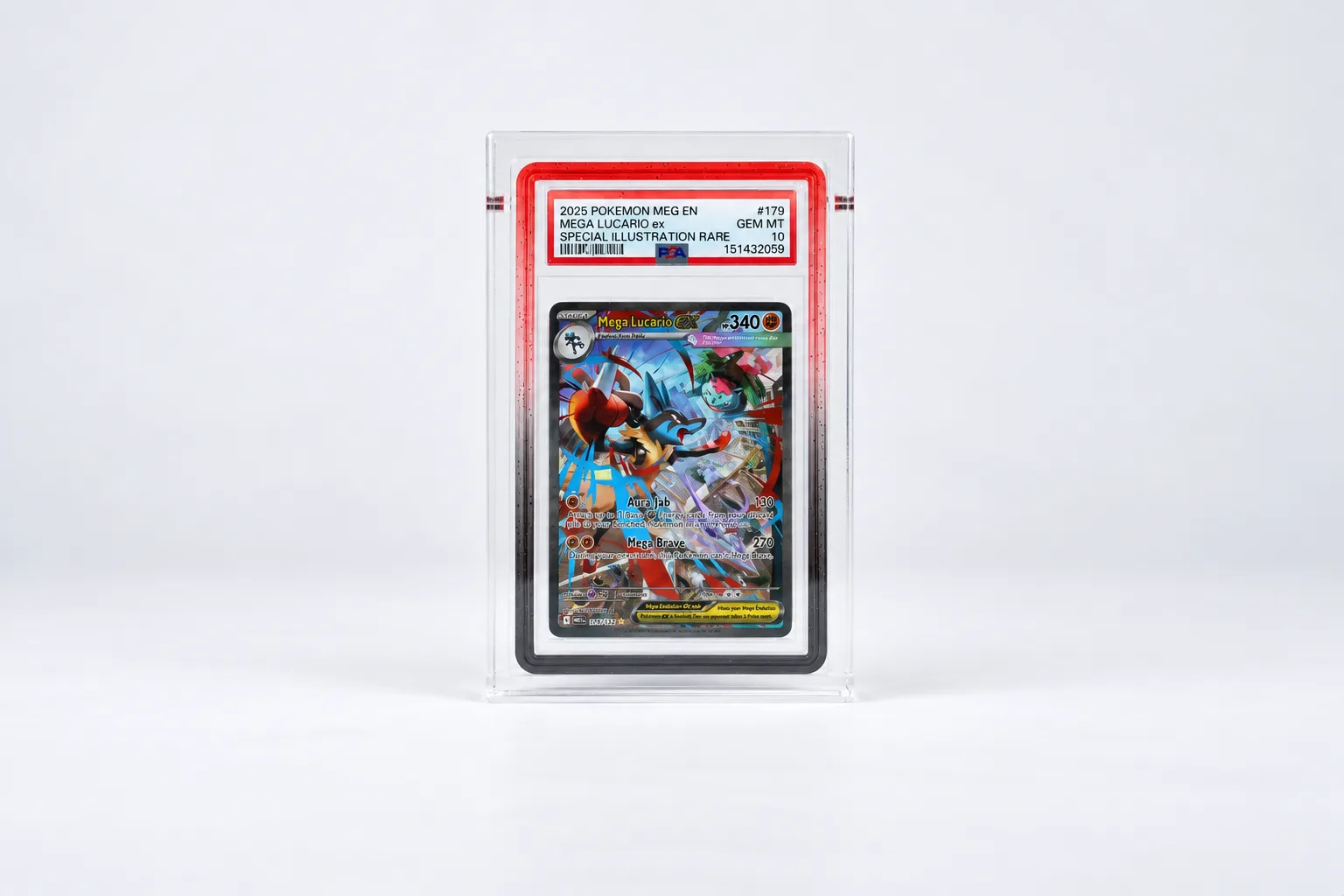
A scratch on a slab says nothing about the card, but you see it every time you pick the slab up. Some are already there when the slab comes back from PSA. The ones added later come from things you do anyway: storing, sorting, wiping.
PSA slab scratches come from friction: something harder than the plastic rubbing against it, or dust trapped in between. Think of a slab sliding against another slab, pushed across a table, rattling loose in a box, or wiped while it's dusty. Four habits prevent most of them:
- Give every slab its own fitted sleeve as soon as it comes out of the shipping box.
- Store slabs upright, each in its own slot, so they can't slide over one another.
- Hold a slab by its sides and put it down on something clean and soft, not a bare table.
- Get the dust off before you wipe.
A scratch that's already there won't come out easily at home. PSA can re-encapsulate a slab, though, in a new holder with a new label.
Where do the scratches come from?
Hard plastic scratches as soon as something harder moves across it, and there's always something on a table: crumbs, grit, a fleck of cardboard from a shipping box. Slide a slab over to show someone and you drag all of that along the back.
Boxes do the same thing more slowly. Slabs lying loose on top of each other shift a fraction every time the box moves, front rubbing against back. Flicking through a row to find one means each slab brushes past its neighbours. A ring or a watch can catch the window as you pick a slab up.
Wiping is the trap you'd least expect. Dust is abrasive: NEDCC says particles like dust can "abrade, soil, and disfigure" materials. A cloth over a dusty slab grinds that dust into the surface.
PSA's own answer is a new holder, introduced in May 2024 and starting with sports cards, made from a plastic it describes as "extra protective against micro-scratches and surface scuffs" (PSA, Meet The New Standard). PSA doesn't call it scratch-proof.
Storing slabs without scratching them
Fitted sleeves come first. They're thin, soft plastic bags cut to the size of a slab, and two sleeved slabs can sit side by side without the holders ever touching.
For storage, use a box with slots or a rack that gives every slab its own place, and keep them upright. Nothing rests on anything else, and nothing shifts when you lift the box. Leave a little room in each slot; a slab you have to force in rubs along the sides.
If they have to lie flat, say in a bag on the way to a card show, keep them sleeved and never loose on top of one another.
How to clean a slab
Dust first, with a blower or a soft brush. Then a clean, soft cloth, wiped gently without pressing.
Skip glass cleaner and other household products. The Canadian Conservation Institute warns that many household cleaners contain abrasives that scratch acrylic sheet, and some contain solvents that cause fine surface cracks. PSA doesn't say exactly what plastic its slabs are made of; for the new holder it only says "medical-grade plastic". We wouldn't experiment on a slab.
Acrylic cases need the same care. The same CCI note points out that acrylic builds up static as you wipe it, which pulls dust in. A quick blow before you wipe keeps you from rubbing that dust straight back around.
What to do with a scratched slab
Polishing it out yourself isn't something we'd recommend. The CCI says very shallow scratches can be removed from acrylic sheet with fine abrasives, but that it's laborious and only works for the finest scratches in small areas. A slab isn't a sheet of acrylic, and you'd be working on the holder that seals in your card and label. One slip makes it worse.
A PSA reholder is the clean way out. With the Reholder service, PSA takes the card out of its old holder and re-encapsulates it in its latest holder with a new label. The grade and cert number generally stay the same. It's a paid service, and PSA explicitly lists "superficial scuffs and scratches" as the kind of wear it's for. Worth knowing: PSA also checks whether the card has changed since grading, for example faded from sunlight. More on that in Do PSA slabs have UV protection?
Slabs on display
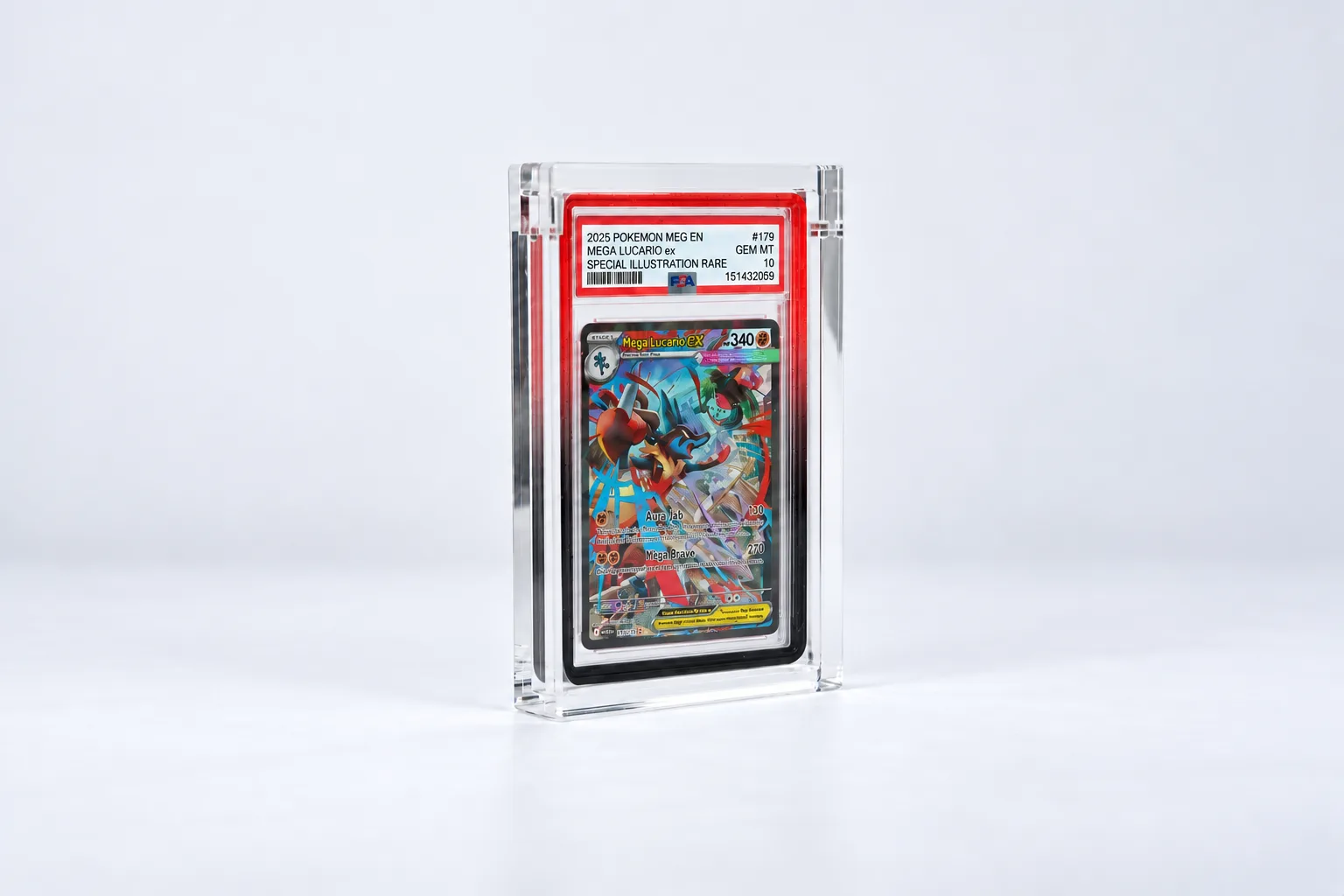
The slabs that pick up the most scratches are the ones on a shelf, in your hands a lot, or on their way to card shows. That's where a case helps: a second layer around the slab that takes the knocks and the sliding. When that layer gets dull or scratched after a few years, you swap the case. A slab can't be swapped without a reholder.
The PSA Slab Case is made for the PSA slab in the standard size.
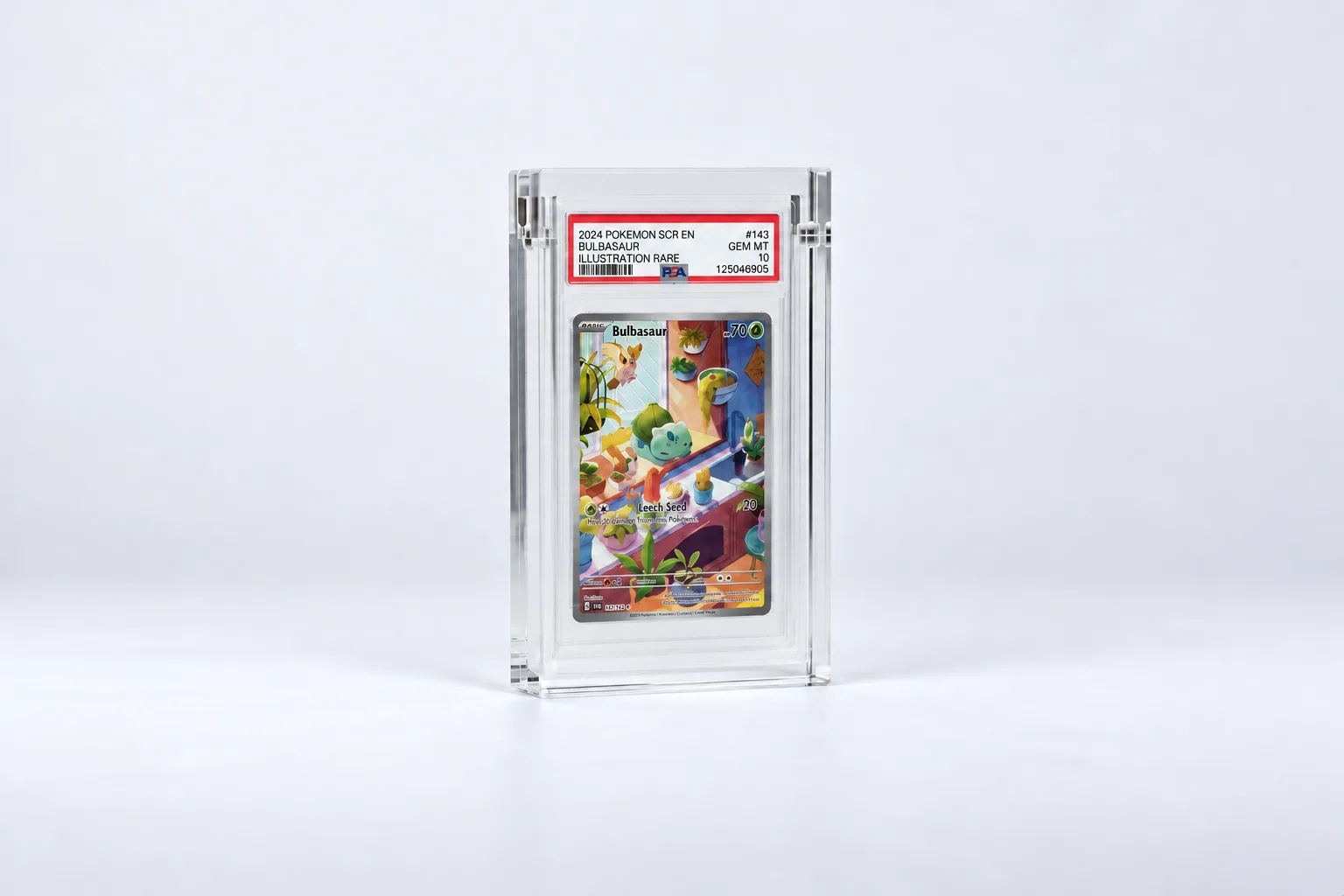
PSA Slab Case
€9.99In stock
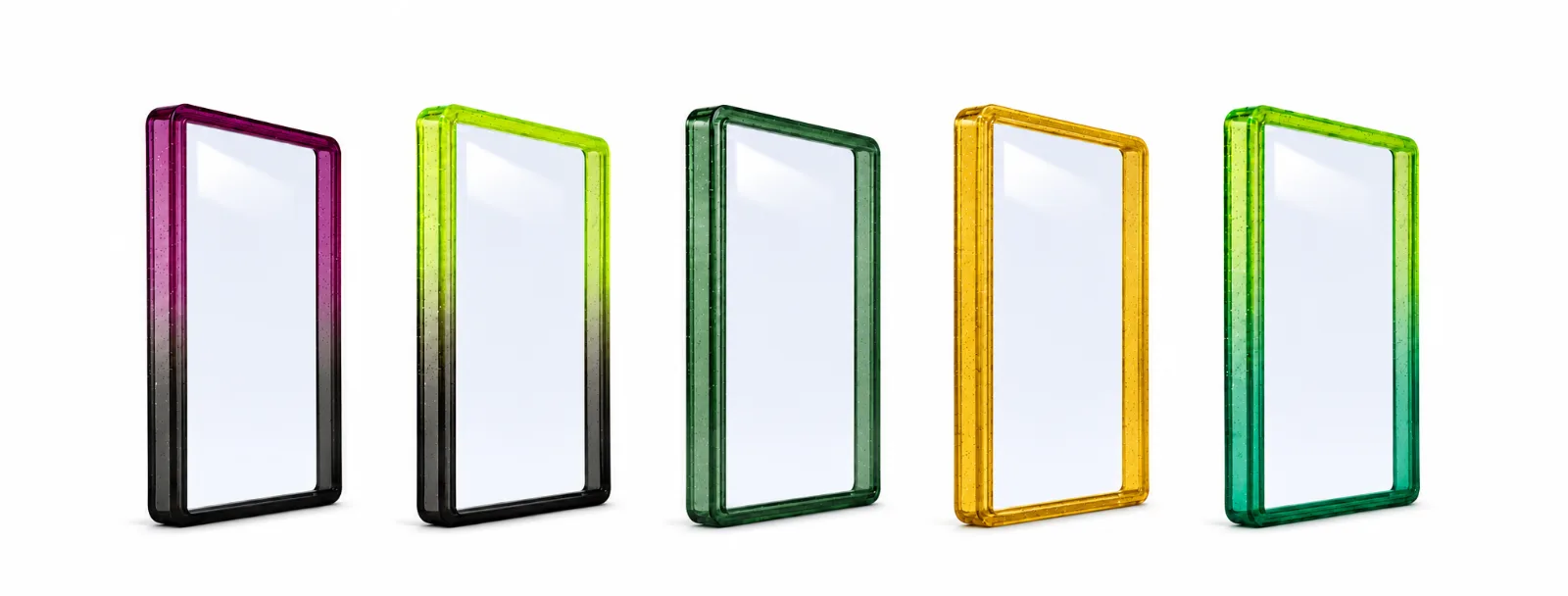
Want the corners covered too, or a colour around your slab? Go for the PSA Slab Guard with Backplate. If your slab has a Guard, it fits the PSA Slab Case for PSA Slab + Guard.
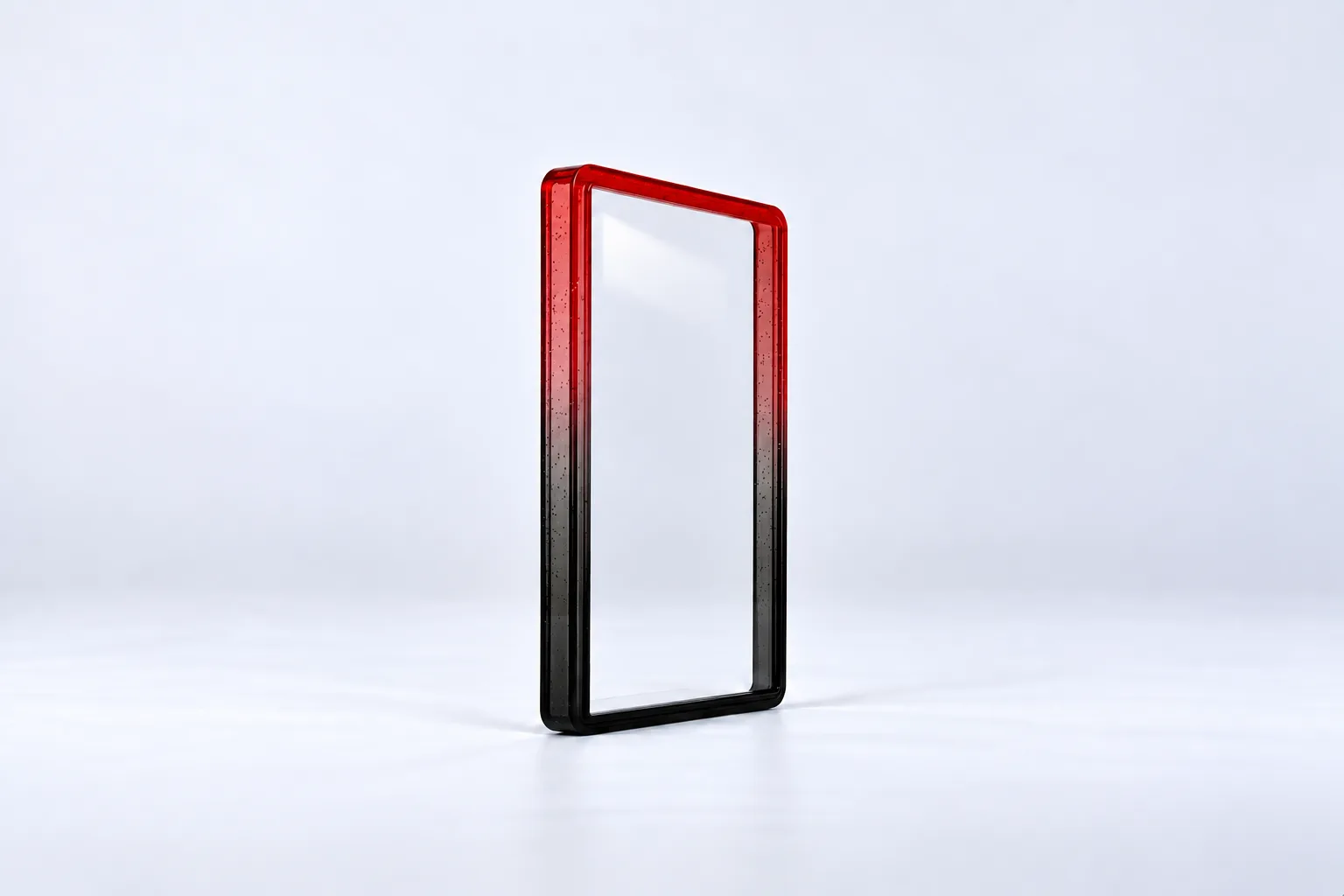
PSA Slab Guard with Backplate
€5.99In stock
Frequently asked questions
Do scratches on the slab affect the grade?
No. The grade is for the card, not the holder. Light scratches on the plastic are exactly the kind of wear PSA offers its paid Reholder service for, and the grade generally stays the same when you use it.
Can you polish scratches out of a PSA slab?
Very fine ones, maybe, but we don't recommend it. The CCI says shallow scratches can be polished out of acrylic sheet, with a lot of effort and only in small areas. A slab isn't a sheet of acrylic, and one slip makes it worse. A PSA reholder is the safer route.
What is a PSA reholder?
A paid PSA service where your card comes out of its old holder and is re-encapsulated in the latest holder with a new label. The grade and cert number generally stay the same, but PSA does check whether the card has changed since it was graded.
Does the Guard prevent scratches?
On the edges and corners, always. The Guard also comes with a backplate that you put on the front or the back of the slab, so you choose which side you protect from scratches. If you want both sides protected, you'll need a sleeve or a case as well.
How do I clean a PSA slab?
Blow or brush the dust off first, then wipe gently with a clean, soft cloth without pressing. No glass cleaner or other household products.